
s1mple Gaming Gear
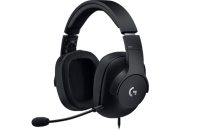
s1mple Gaming PC
s1mple CS:GO Mouse Settings & Sensitivity
Windows sens. Windows Sensitivity: Range 1-11 (default = 6)
6
Game sensitivity
3.09
Zoom/scope sens.
1
DPI / CPI Mouse DPI = Dots Per Inch | CPI = Counts Per Inch
400
eDPI Effective DPI | eDPI = DPI x Game sens.
1236
Inches/360° Inches you have to move the mouse to make a 360 degree turn
13.24″
Cm/360° Centimeters you have to move the mouse to make a 360 degree turn
33.63 cm
Polling rate Mouse polling rate in Hz. If the mouse polling rate is 500, the mouse position will be updated every 2 milliseconds
1000 Hz
Raw input
1
s1mple CS:GO Video & Graphics Settings
Resolution
1280x960
Scaling Mode
Stretched
Refresh rate Monitor refresh rate in Hz
240 Hz
Aspect ratio
4:3
Saturation Digital Vibrance / Saturation
100
s1mple CS:GO Config
Launch options
s1mple Config (cfg)
Autoexec
Crosshair Settings
Video & Graphics Settings
Viewmodel Settings
Natus Vincere: Teammates in Counter-Strike Global Offensive




Videos Featuring s1mple


More info about s1mple
Monitor/video settings:
Brightness – 40
Contrast – 40
Color Vibrance – 10
Black eQualizer – 12
Picture Mode – FPS 1
Sharpness – 7
Gamma – 2
RGB Settings – Default
FAQ
s1mple's real name is Oleksandr Kostyliev (Олександр Костилів).
s1mple's birthday is on October 2.
s1mple is 29 years old.
s1mple is from Ukraine.
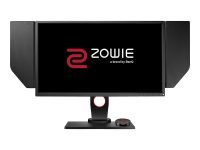
s1mple is using the BenQ XL2540 with a refresh rate of 240 Hz and 1280x960 resolution.
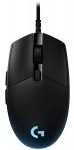
s1mple uses the Logitech G Pro with a DPI of 400 and in-game sensitivity 3.09.
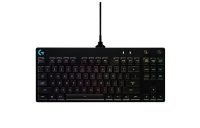
s1mple uses the Logitech G Pro Keyboard
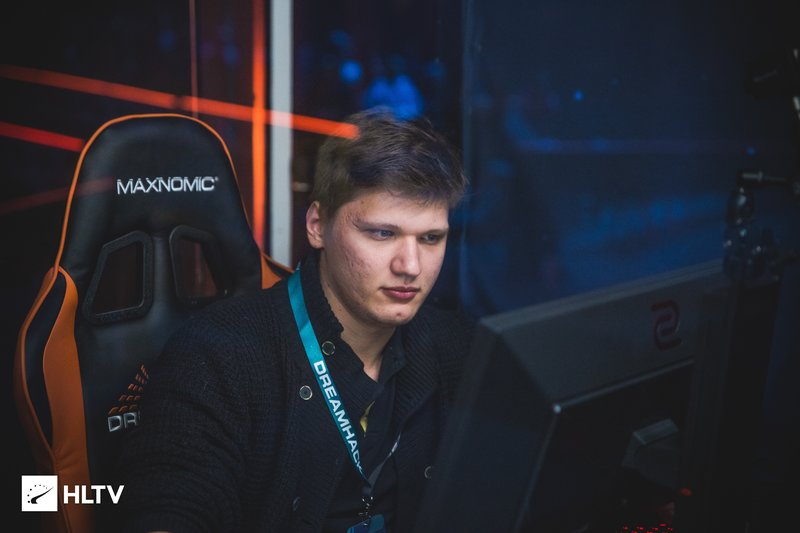
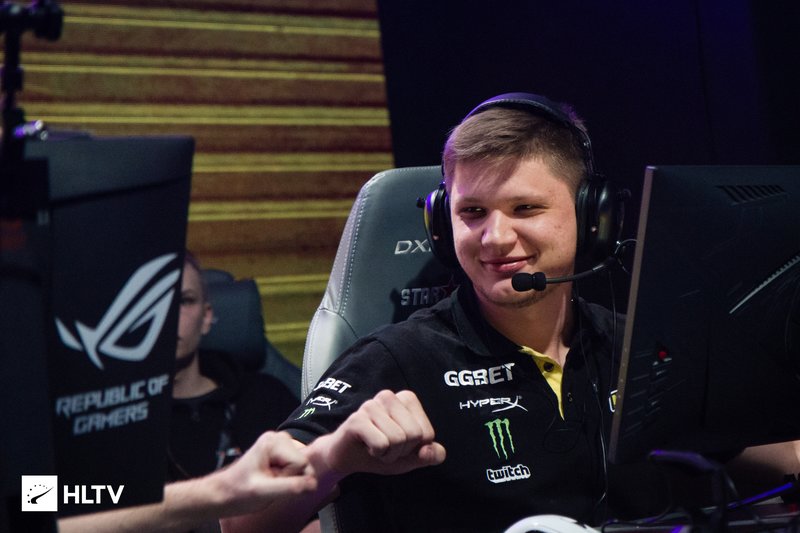
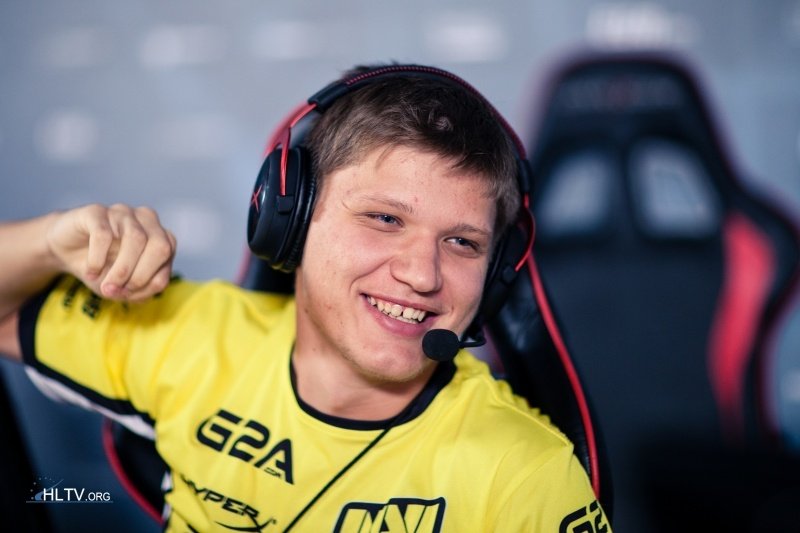
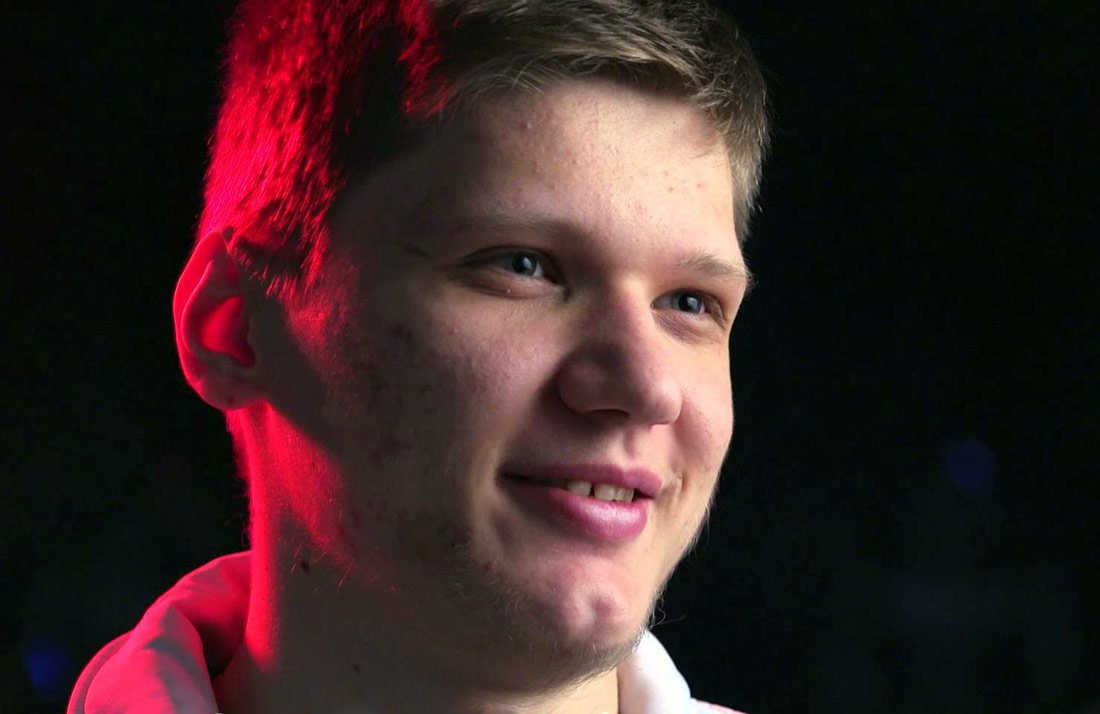
s1mple Player Gallery
Other Counter-Strike Global Offensive Players




Comments
7 thoughts on “S1mple CS:GO Settings”
Leave a Comment
You must be logged in to post a comment.
I think viewmodel is:
viewmodel_fov 68; viewmodel_offset_x 2.5; viewmodel_offset_y 0; viewmodel_offset_z -1.5; viewmodel_presetpos 3; cl_viewmodel_shift_left_amt 1.5; cl_viewmodel_shift_right_amt 0.75; viewmodel_recoil 0; cl_righthand 1;
Great site btw. ! 🙂
he is using 240Hz monitor, but types -freq 144?
240hz monitor means you can choose refresh rate from 60hz to 240hz as you wish. He plays at 144hz so he types -freq 144.
is cl_crosshairthickness 1
source: https://www.twitch.tv/videos/582471422
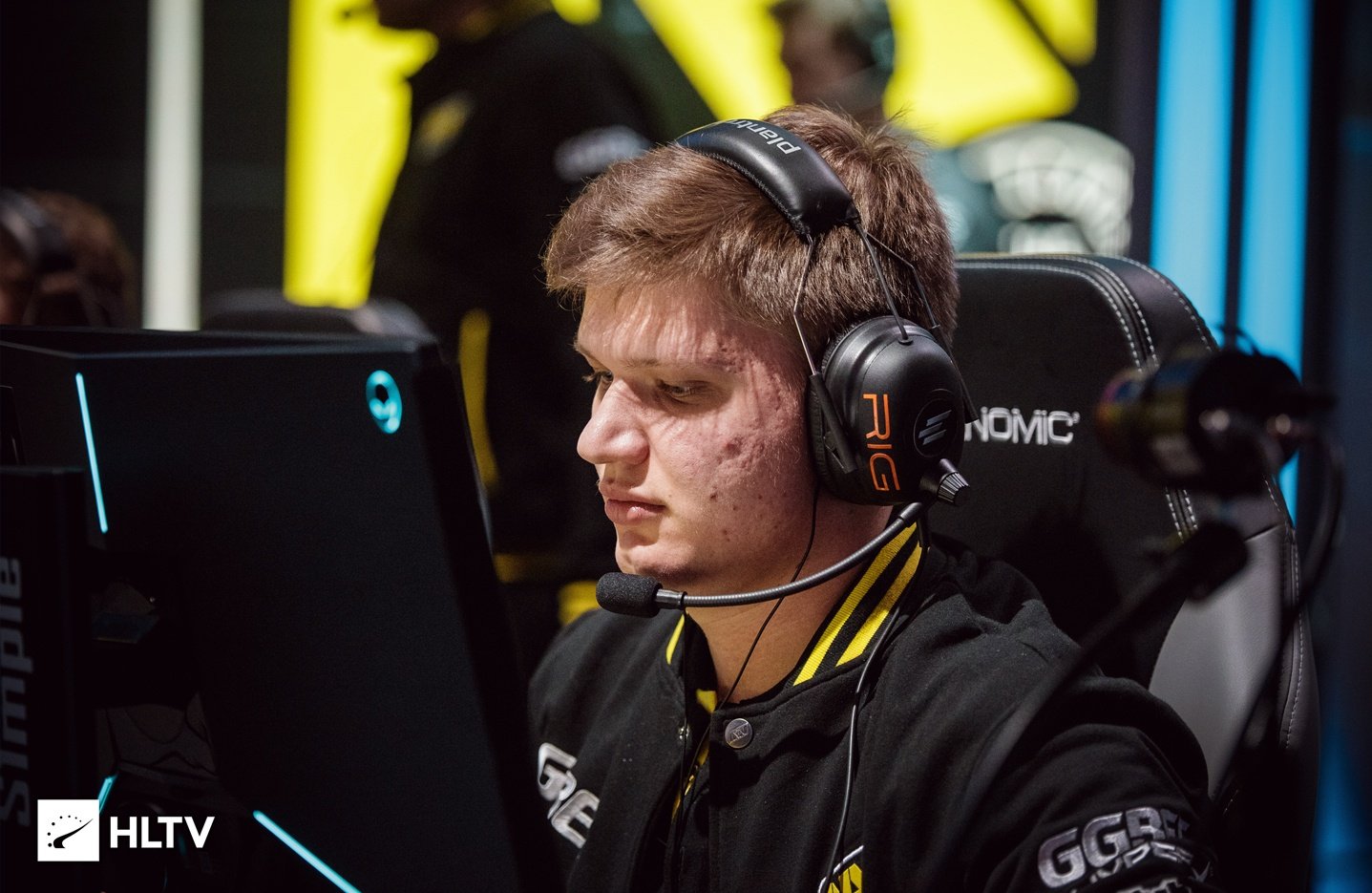
he’s using hyperx cloud 2 in the picture lol. Also I’ve seen him suggest buying hyper x on youtube and was wearing them at home. Im guessing the logitech is the sponsor
AI like that one very much indeed.mr